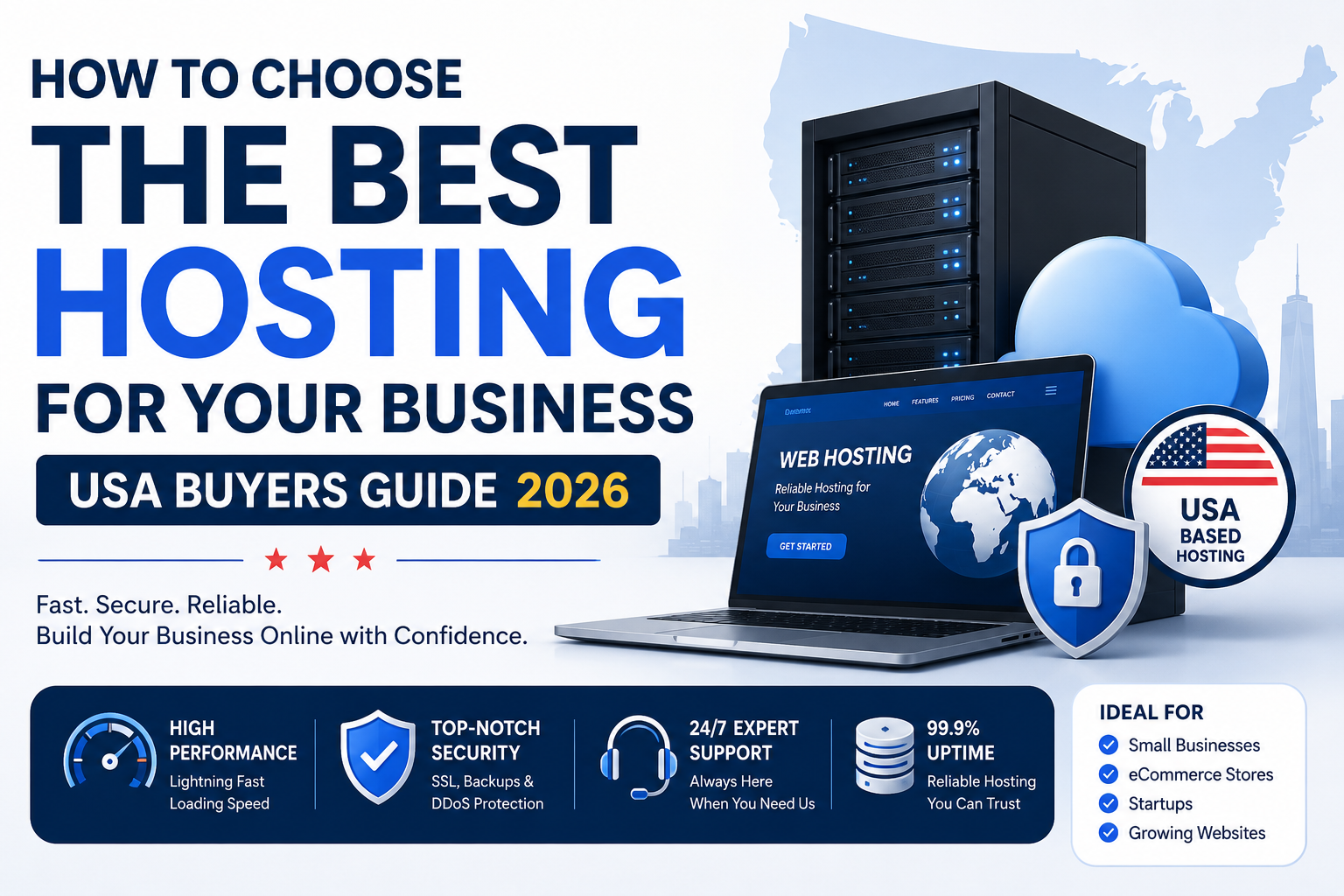
If you run a business in the USA, your website is often the first handshake with a customer. But with dozens of hosting providers like Bluehost, HostGator, SiteGround, Cloudways, and WP Engine, how do you pick the right one without wasting money or losing customers due to slow speed?
This guide will walk you through exactly what US business owners need to look for.
Step 1: Understand Your Business Needs First (Don’t Start with Price)
Before comparing dollar signs, ask yourself these three questions:
- What kind of website is it? (A simple local service page, an e-commerce store, a membership site, or a high-traffic blog?)
- How much monthly traffic do you expect? (50 visitors or 50,000?)
- Do you need to handle customer data? (Credit cards, addresses, login credentials)
USA Pro Tip: If you accept payments online, you need SSL certificate (free with most good hosts) and PCI compliance.
Step 2: Know the Main Types of Hosting
| Hosting Type | Best For | Approx Monthly Cost (USD) |
|---|---|---|
| Shared Hosting | New businesses, small local shops, low traffic | 3–10 |
| VPS Hosting | Growing businesses, moderate traffic | 20–60 |
| WordPress Hosting | WordPress users (optimized speed/security) | 10–30 |
| Cloud Hosting | Unpredictable traffic, scalability | 10–100+ (pay as you go) |
| Dedicated Hosting | Large e-commerce, high security needs | 80–200+ |
For 90% of small US businesses starting out → Shared or Managed WordPress Hosting is enough.
Step 3: Key Factors for USA Business Owners
1. Server Location (Very Important for Speed)
If your customers are in New York, Los Angeles, or Texas, choose a host with data centers in the USA. Most top providers have servers in Ashburn (VA), Dallas, Chicago, or Silicon Valley.
- Why it matters: A server in India or Europe will slow down your site for US visitors. Google also uses speed as a ranking factor.
2. Uptime Guarantee
Look for 99.9% uptime (that means your site is down roughly 8.5 hours per year). Avoid anything under 99.5%.
3. Customer Support (24/7 and US-Based Hours)
Problems don’t happen at 9 AM. You want 24/7 live chat or phone support.
Check if support is available during US time zones (EST, CST, PST). Some budget hosts outsource support with long delays.
4. Backup Policy
Does the host offer daily automatic backups? And can you restore with one click?
Without backups, you could lose customer orders, product data, or content forever.
5. Scalability
Your business will grow. Can you upgrade from shared to VPS or cloud without migrating to a new company? Good hosts make it seamless.
Step 4: Top Hosting Providers for US Businesses (Quick Comparison)
| Provider | Best Feature | Starting Price | USA Data Centers? | Support |
|---|---|---|---|---|
| Bluehost | Easy for beginners, officially recommended by WordPress | $2.95/mo | Yes (Utah) | 24/7 chat/phone |
| SiteGround | Excellent speed & support | $17.99/mo | Yes (Iowa, Virginia) | 24/7 US-based |
| HostGator | Cheap plans, good for simple sites | $3.75/mo | Yes (Texas) | 24/7 |
| Cloudways | Scalable cloud (DigitalOcean, AWS) | $14/mo (pay as you go) | Yes (choose US region) | 24/7 chat |
| WP Engine | Premium managed WordPress (high traffic) | $20/mo | Yes (several US zones) | 24/7 expert support |
For most small businesses: Bluehost or SiteGround is a safe bet.
For e-commerce stores (WooCommerce): Cloudways or WP Engine.
For local service businesses (plumber, dentist, lawyer): Shared hosting is fine initially.
Step 5: Red Flags to Avoid (Scams & Bad Deals)
- “Unlimited” hosting that has fine-print limits (usually capped by CPU usage or inodes)
- Teaser prices that renew 300% higher (e.g., 3/mofirstyear→15/mo second year). Always check renewal price.
- No money-back guarantee – minimum 30 days is standard in the US.
- No free SSL or domain – basic SSL is free with Let’s Encrypt. Don’t pay extra for it.
Step 6: Simple Decision Checklist for USA Buyers
✅ Do they have a USA data center?
✅ Is 24/7 US-based support available?
✅ Does the plan include free SSL and daily backup?
✅ What is the renewal price (not just the intro price)?
✅ Can I get a full refund within 30 days?
✅ Are there good reviews on Trustpilot or G2 (not just their own website)?
Final Recommendation
For a new USA business owner on a budget:
Start with Bluehost Basic Plan ($2.95/mo for 1 year). It’s reliable, has US servers, and is super beginner-friendly.
For a serious e-commerce or high-traffic business:
Invest in Cloudways + DigitalOcean (New York or San Francisco server). It costs a bit more but delivers much better speed and uptime.
For a local service business (no online sales yet):
HostGator Hatchling Plan is fine, but upgrade once you get more than 500 visitors per month.
Quick Recap for the Busy Business Owner
Don’t chase the cheapest price. Chase reliability, speed, and US-based support. Your customers will notice the difference.
If you’re still unsure – pick a host with a 30-day money-back guarantee, test your site speed using GTmetrix, and switch if it feels slow.